 de453fed1d
* Downgrade miniz for stability * Stream HTML from ZIP down to disk instead of loading all in mem |
||
|---|---|---|
| bin | ||
| docs | ||
| include | ||
| lib | ||
| open-x4-sdk@8224d278c5 | ||
| src | ||
| test | ||
| .clang-format | ||
| .gitignore | ||
| .gitmodules | ||
| LICENSE | ||
| partitions.csv | ||
| platformio.ini | ||
| README.md | ||
CrossPoint Reader
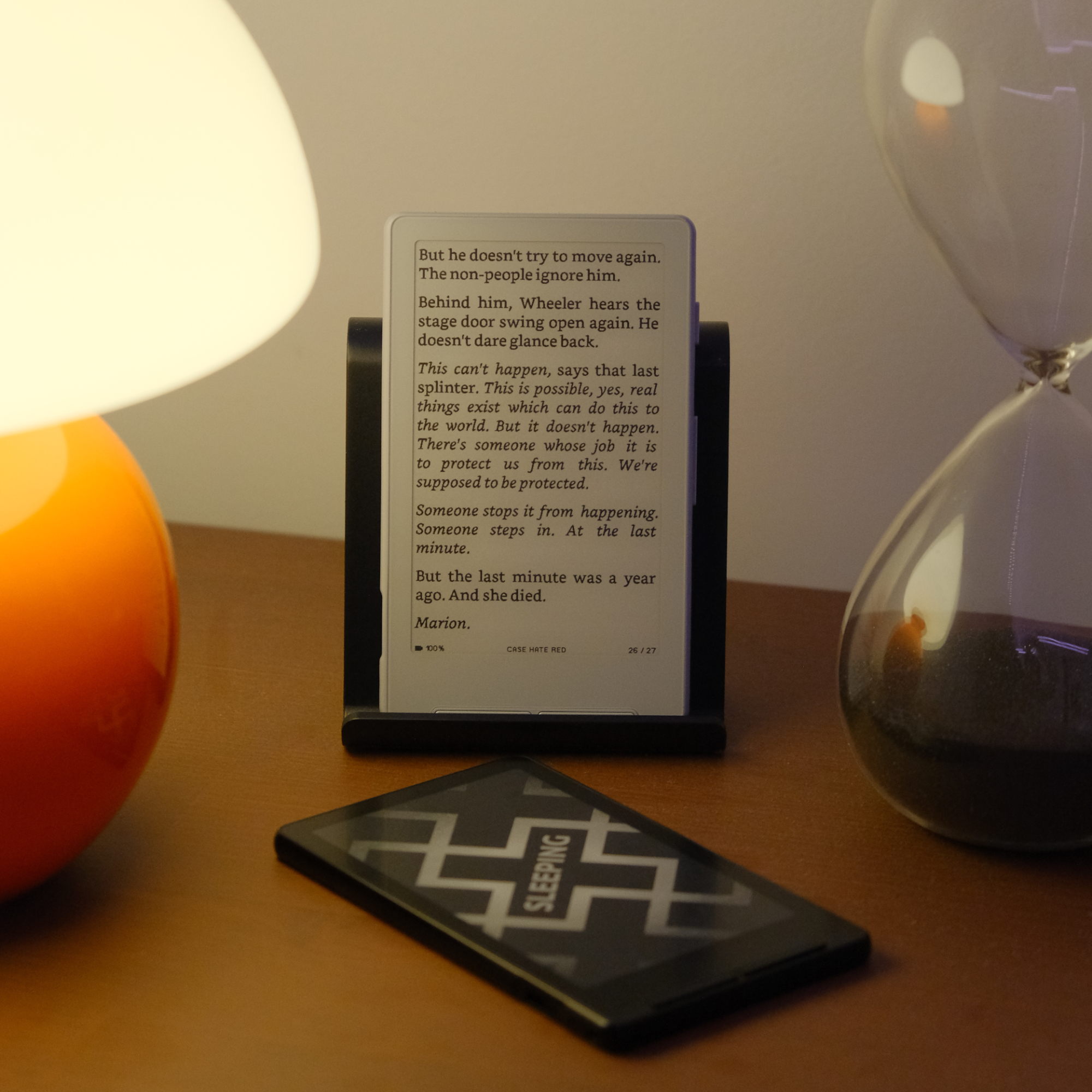
Firmware for the Xteink X4 e-paper display reader (unaffiliated with Xteink). Built using PlatformIO and targeting the ESP32-C3 microcontroller.
CrossPoint Reader is a purpose-built firmware designed to be a drop-in, fully open-source replacement for the official Xteink firmware. It aims to match or improve upon the standard EPUB reading experience.
Motivation
E-paper devices are fantastic for reading, but most commercially available readers are closed systems with limited customisation. The Xteink X4 is an affordable, e-paper device, however the official firmware remains closed. CrossPoint exists partly as a fun side-project and partly to open up the ecosystem and truely unlock the device's potential.
CrossPoint Reader aims to:
- Provide a fully open-source alternative to the official firmware.
- Offer a document reader capable of handling EPUB content on constrained hardware.
- Support customisable font, layout, and display options.
- Run purely on the Xteink X4 hardware.
This project is not affiliated with Xteink; it's built as a community project.
Features
- EPUB parsing and rendering
- Saved reading position
- File explorer with file picker
- Basic EPUB picker from root directory
- Support nested folders
- EPUB picker with cover art
- Image support within EPUB
- Configurable font, layout, and display options
- WiFi connectivity
- BLE connectivity
Getting Started
Prerequisites
- PlatformIO Core (
pio) or VS Code + PlatformIO IDE - Python 3.8+
- USB-C cable for flashing the ESP32-C3
- Xteink X4
Checking out the code
CrossPoint uses PlatformIO for building and flashing the firmware. To get started, clone the repository:
git clone --recursive https://github.com/daveallie/crosspoint-reader

# Or, if you've already cloned without --recursive:
git submodule update --init --recursive
Flashing your device
Command line
Connect your Xteink X4 to your computer via USB-C and run the following command.
pio run --target upload
Web
- Connect your Xteink X4 to your computer via USB-C
- Download the
firmware.binfile from the latest release via the releases page - Go to https://xteink.dve.al/ and flash the firmware file using the "OTA fast flash controls" section
- Press the reset button on the Xteink X4 to restart the device
To revert back to the official firmware, you can flash the latest official firmware from https://xteink.dve.al/, or swap back to the other partition using the "Swap boot partition" button here https://xteink.dve.al/debug.
Internals
CrossPoint Reader is pretty aggressive about caching data down to the SD card to minimise RAM usage. The ESP32-C3 only has ~380KB of usable RAM, so we have to be careful. A lot of the decisions made in the design of the firmware were based on this constraint.
EPUB caching
The first time chapters of an EPUB are loaded, they are cached to the SD card. Subsequent loads are served from the
cache. This cache directory exists at .crosspoint on the SD card. The structure is as follows:
.crosspoint/
├── epub_12471232/       # Each EPUB is cached to a subdirectory named `epub_<hash>`
│   ├── progress.bin     # Stores reading progress (chapter, page, etc.)
│   ├── 0/               # Each chapter is stored in a subdirectory named by its index (based on the spine order)
│   │   ├── section.bin  # Section metadata (page count)
│   │   ├── page_0.bin   # Each page is stored in a separate file, it
│   │   ├── page_1.bin   #   contains the position (x, y) and text for each word
│   │   └── ...
│   ├── 1/
│   │   ├── section.bin
│   │   ├── page_0.bin
│   │   ├── page_1.bin
│   │   └── ...
│   └── ...
│
└── epub_189013891/
Deleting the .crosspoint directory will clear the cache.
Due the way it's currently implemented, the cache is not automatically cleared when the EPUB is deleted and moving an EPUB file will reset the reading progress.
Contributing
Contributions are very welcome!
To submit a contribution:
- Fork the repo
- Create a branch (
feature/dithering-improvement) - Make changes
- Submit a PR
CrossPoint Reader is not affiliated with Xteink or any manufacturer of the X4 hardware.
Huge shoutout to diy-esp32-epub-reader by atomic14, which was a project I took a lot of inspiration from as I was making CrossPoint.